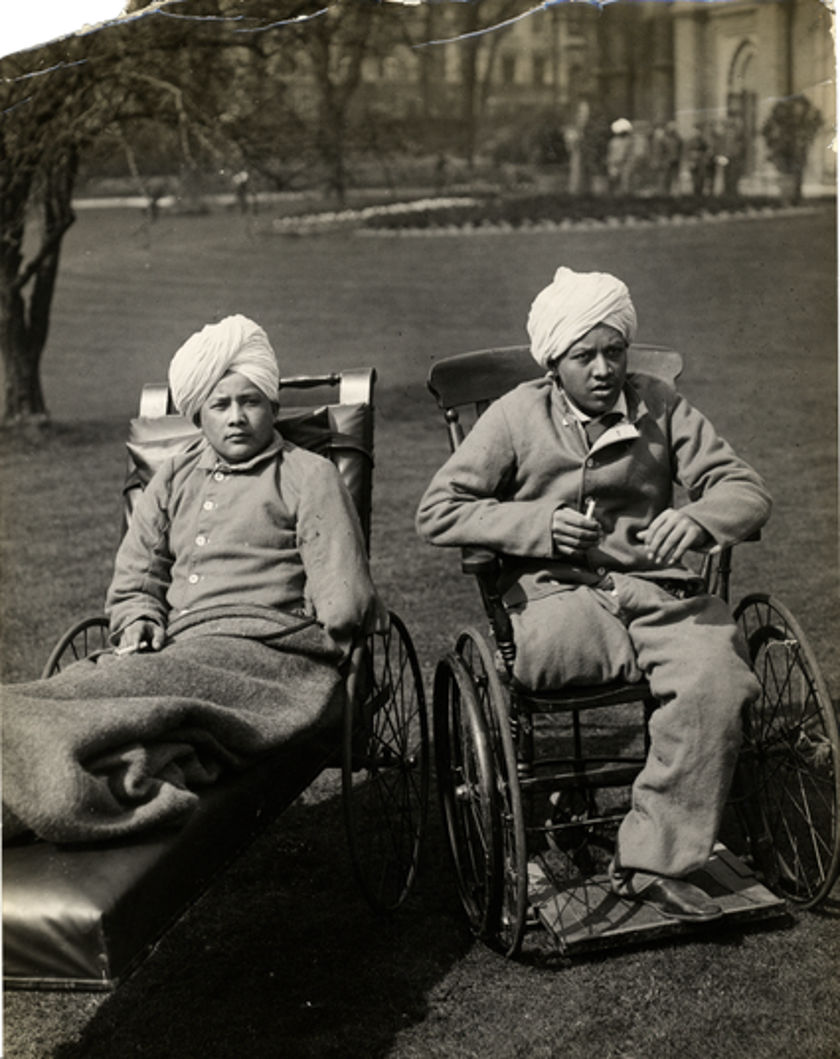
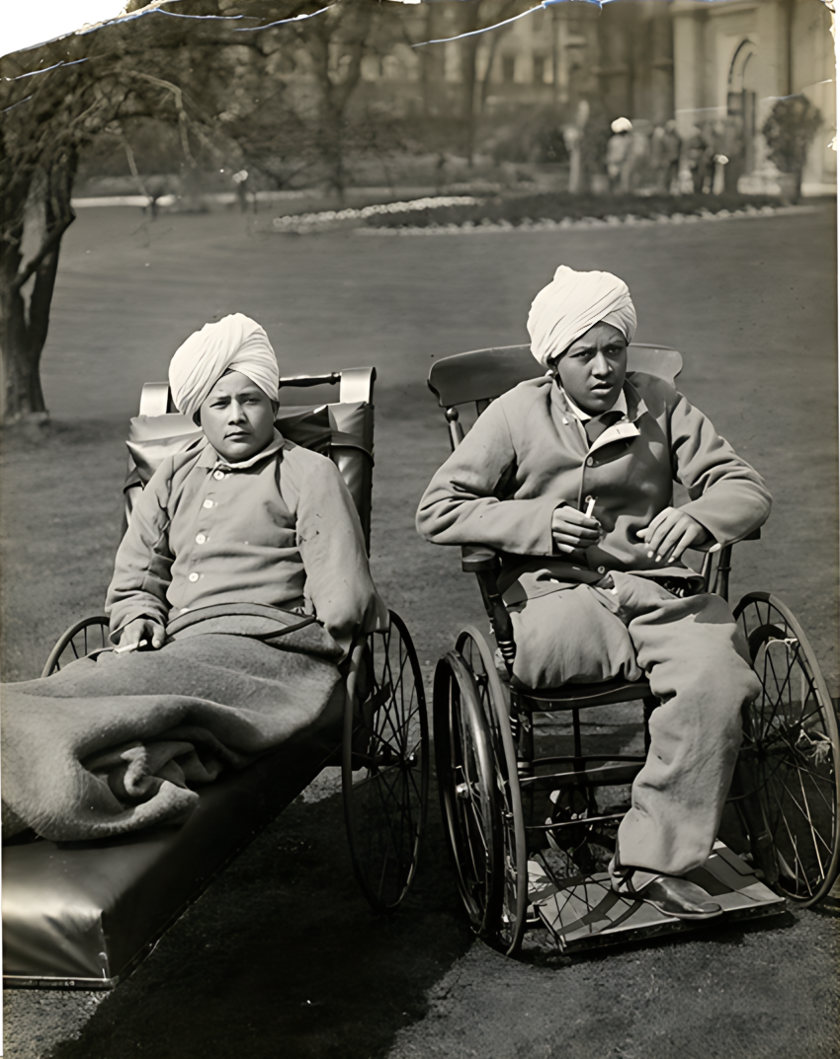
Getting the best result from an old photo
Restoration can only work with what is in the file. A careful scan or photo of the print makes more difference than any setting.
Scan if you can
A flatbed scanner gives the most detail and even light. Scan small prints (passport and 10 × 15 cm) at 600 dpi, and very small or damaged prints at 1200 dpi. Save as PNG or a high-quality JPEG.
Wipe the scanner glass with a dry microfibre cloth first. Dust on the glass looks exactly like dust on the photo.
Photographing a print with a phone
Lay the print flat near a window in daylight, out of direct sun. Turn the flash off. Hold the phone directly above, parallel to the photo, so the edges are straight.
Glossy prints reflect light. If you see a bright patch, tilt the print slightly or move so the window is to one side. Fill the frame with the photo, then crop the background.
Choosing settings
Leave dust repair on Light for most photos and use Strong for prints with many fine scratches. For large tears, holes and missing corners, choose Mark tears and paint over the damage; the AI fills it from the surrounding picture.
Keep the original file next to the restored one. If a face looks unfamiliar, lower Face strength and run the photo again.
Protecting the originals in Nepal’s climate
Monsoon humidity and damp walls cause mould and fading. Keep prints in an acid-free album or envelope in a dry room, away from outside walls, with a few silica gel sachets in the box.
Handle prints by the edges, never write on the back with a ballpoint pen, and do not laminate originals. Once digitised, keep copies in at least two places, such as a cloud drive and a USB disk.